Access 301: Ephemeral Authentication > Class - Access 301: Ephemeral Authentication > Module 1 - Implement C3D with APM Enhancements Source |
Lab 1.9 - Test Dynamic Certificate Injection
In this section, you will learn how the HTTP Connector can used to retrieve dynamic content for use in C3D.
Task - Access mtls.acme.com with Dynamic Certificate
From the web browser on the jumphost, access https://mtls.acme.com
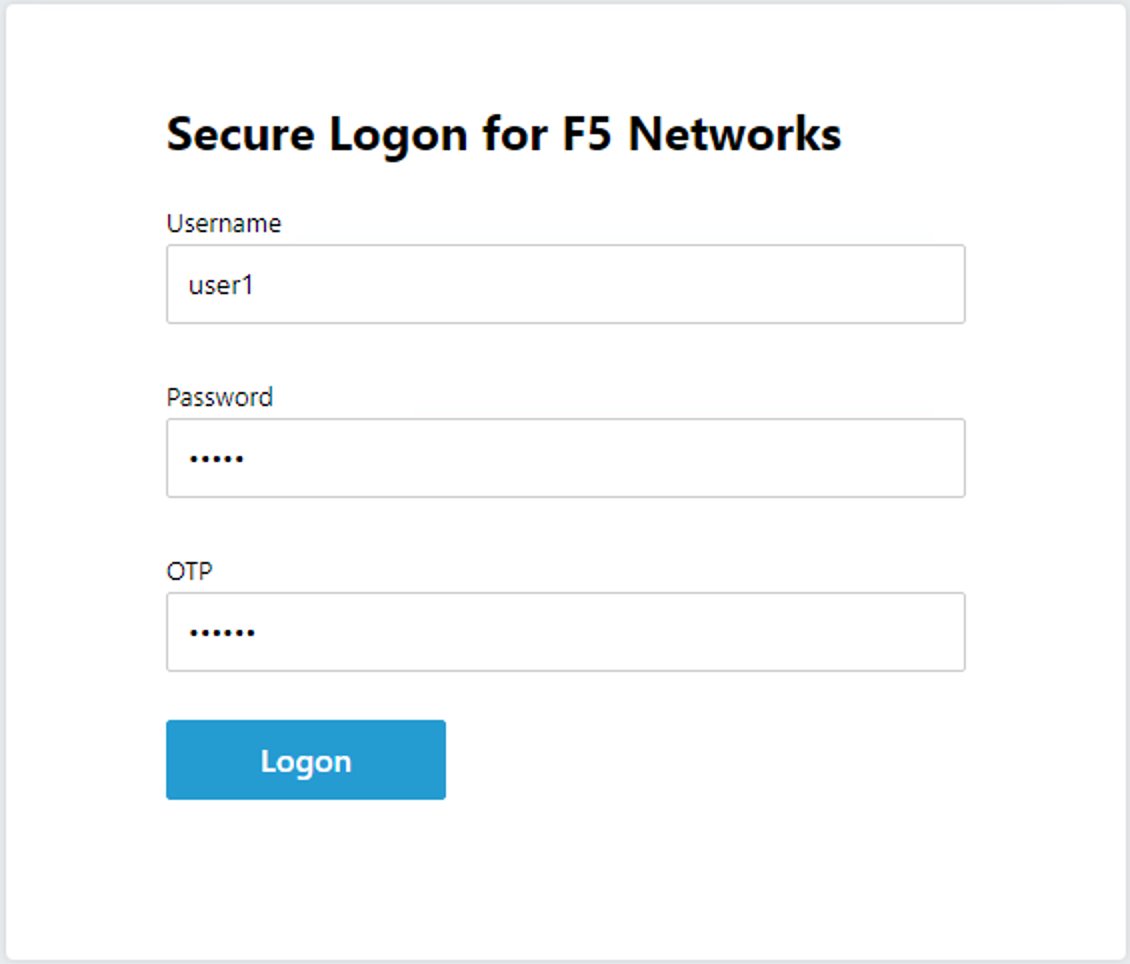
Use the following credentials: - Username: user1 - password: user1 - OTP: 123456
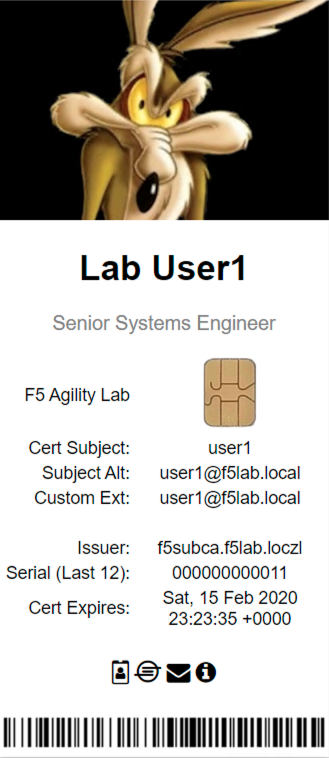
You will be logged into the site as user1@f5lab.local
Note
The contents of the certificate used for logging into the website were from certificate retrieved via HTTP connector in Active Directory. The irule continues to insert the custom extension 1.1.1.1 with the value containing the user’s logon name. Notice the Subject Name is user1, the Subject Alternative Name is user1@f5lab.local and the custom extension is user1@f5lab.local
- Cert Subject: user1
- Subject Alt: user1@f5lab.local
- Custom Ext: user1@f5lab.local
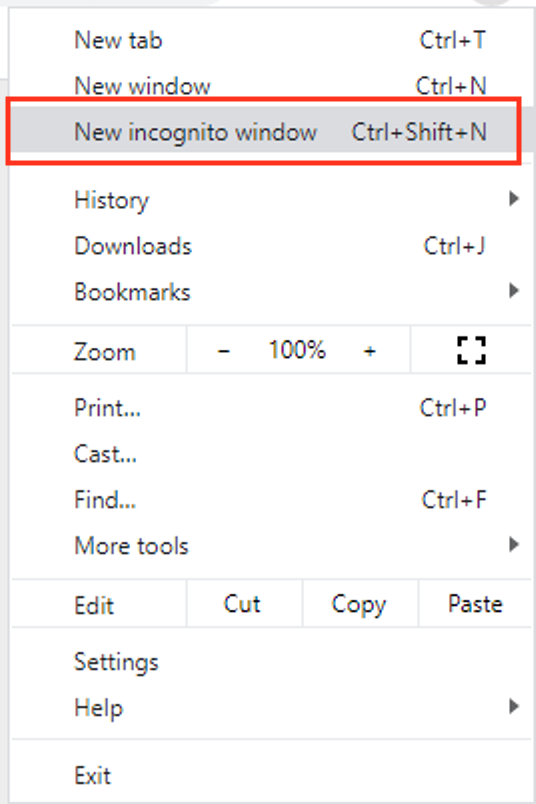
Open a new incognito browser window so you can test access to mtls.acme.com with different user credentials.
Use the following credentials:
- Username: user1
- password: user1
- OTP: 123456
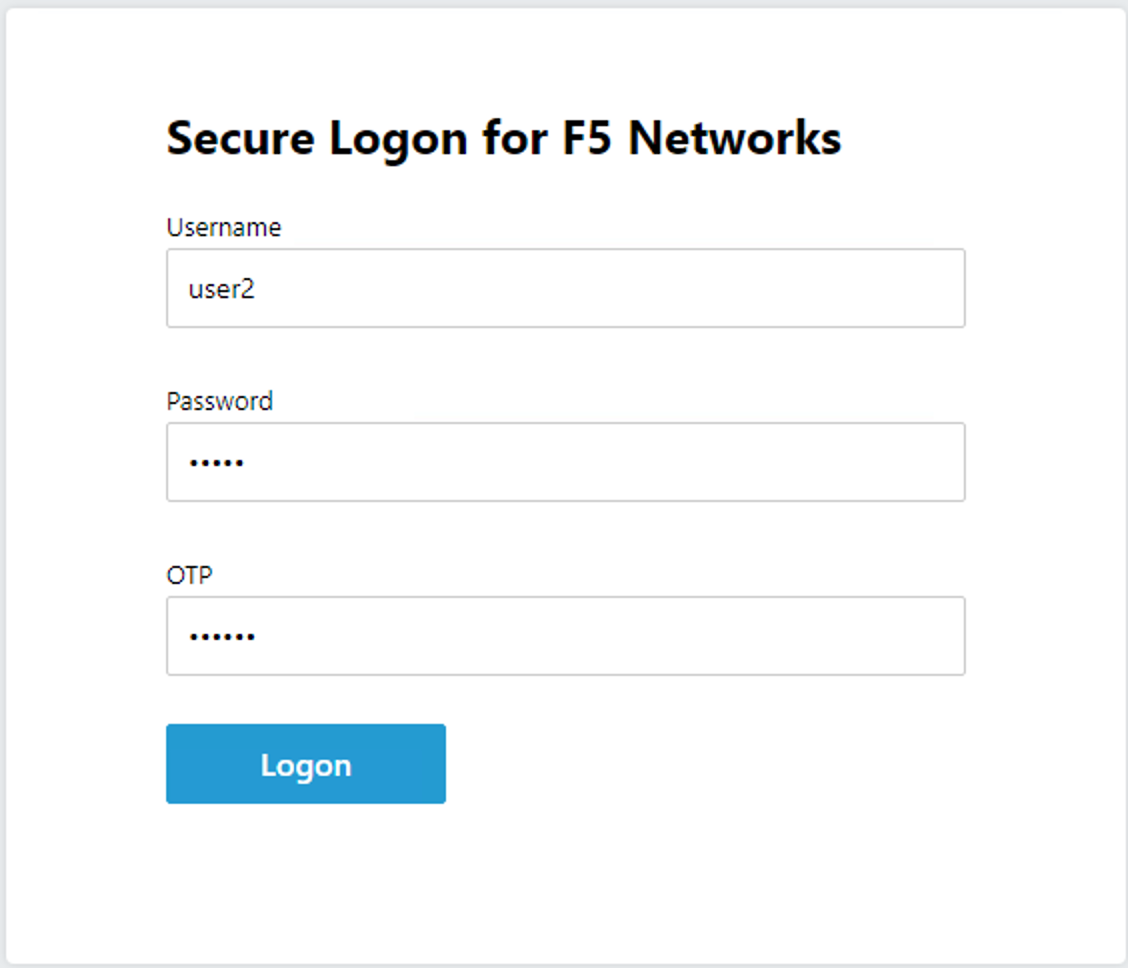
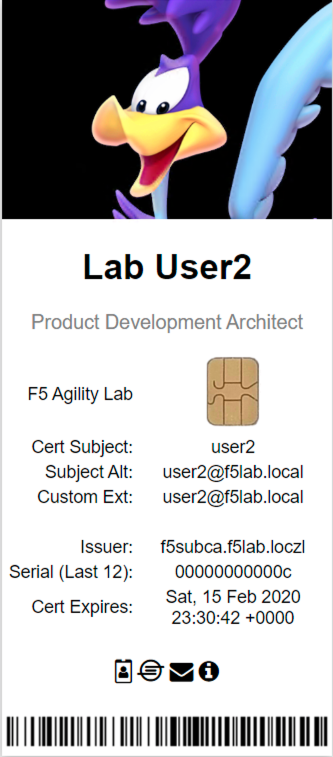
You will be logged into the site as user2@f5lab.local
Note
Notice that user2’s Cert Subject is now user2 and the subject alt is user2@f5lab.local. The irule continues to insert the custom extension.
- Subject: user2
- Subject Alt: user2@f5lab.local
- Custom Ext: user2@f5lab.local