Access 301: Ephemeral Authentication > Class - Access 301: Ephemeral Authentication > Module 2 - Implement Priviledged User Access Authentication Source |
Lab 2.4 - Creating an APM Policy - PUA Build Script
In this section, you will review the inital APM policy created by the PUA Build Script
Task - Review the APM Policy Created by the PUA Build Script
Open a web browser and log into the BIG-IP via its management address: https://10.1.1.4
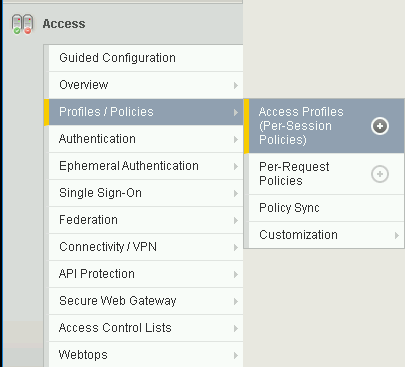
Navigate to Access >> Profiles/Policies >> Access Profiles (Per-Session Polices).
Click the Edit link for the pua Access Profile.

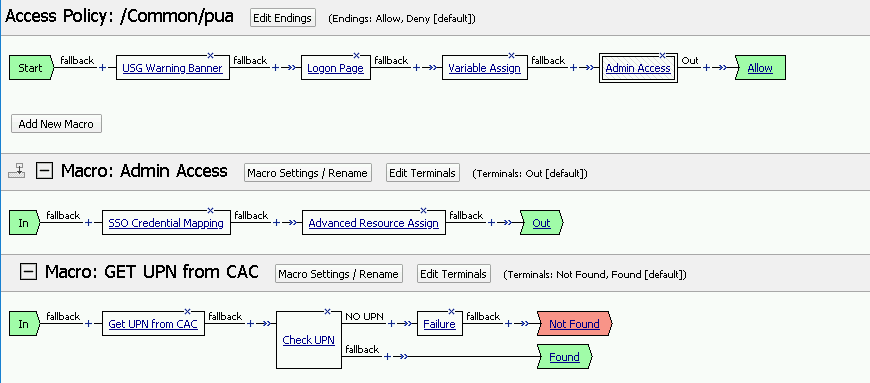
Expanded the Macros by clicking the square box with the plus sign inside.
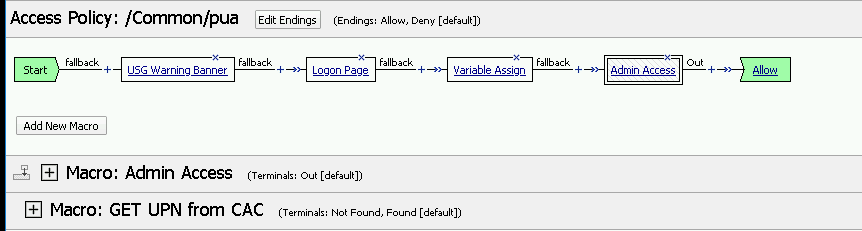
Here is the policy created by the PUA Build Script: