
Access 301: Ephemeral Authentication > Class - Access 301: Ephemeral Authentication > Module 2 - Implement Priviledged User Access Authentication Source |
Lab 2.11 - Verification Testing
Task - Test the updated Webtop
Access the webtop via http://pua.acme.com
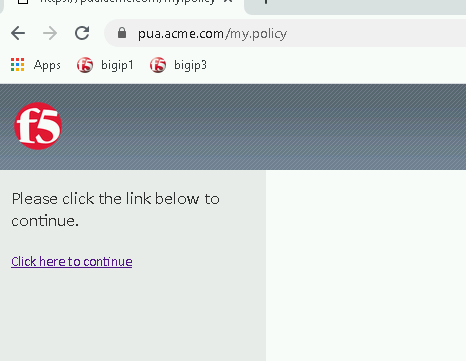
A Warning Banner page (customizable) should appear, click the Click here to continue link.
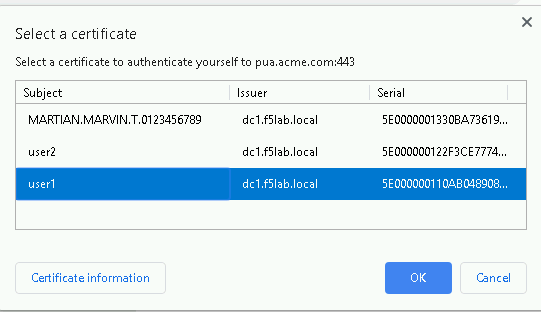
Select the certificate for user1 and click OK
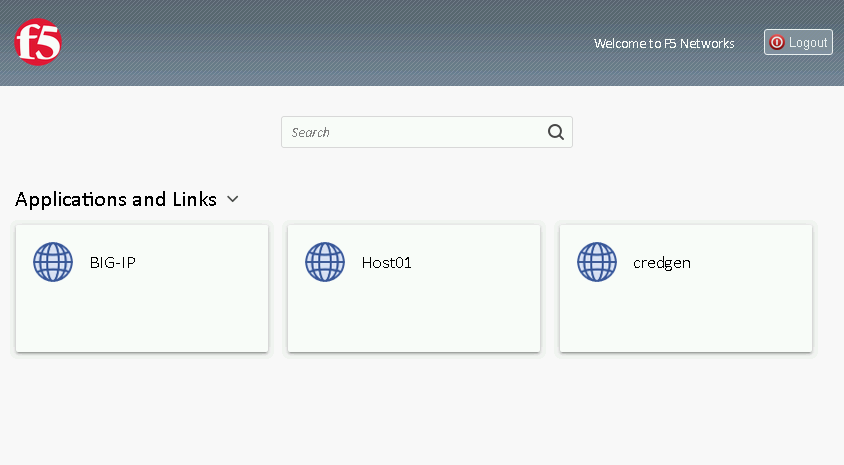
Observer the updated webtop with Host01
Click the BIG-IP icon, and observer the username in the bottom left corner
Close the browser window and return to webtop
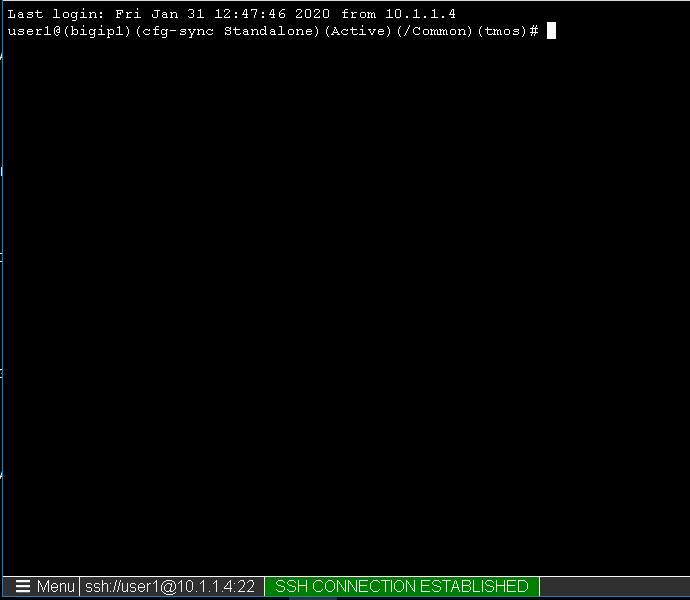
Click the Host01 icon
Observer the the username at the bottom left corner
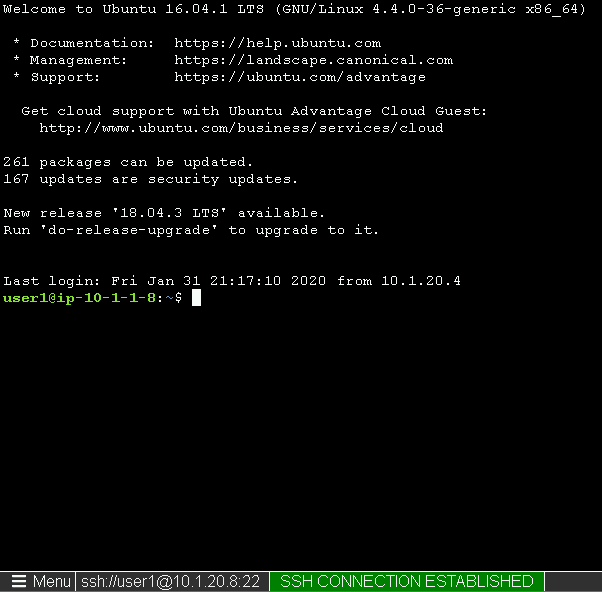
Escalate Priviledges
- type sudo -i
- click the Menu button
- click click Credentials button
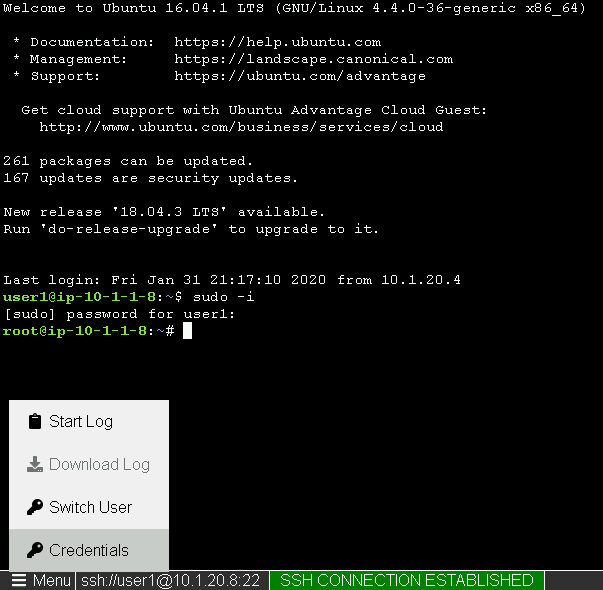
Note
The Credentials button sends the password to terminal