Access 301: Ephemeral Authentication > Class - Access 301: Ephemeral Authentication > Module 2 - Implement Priviledged User Access Authentication Source |
Lab 2.8 - Certificate Update
In this section, you will modify the SSL profile to present an internally signed certifcate for the PUA webtop and select a trusted Certificate Authority to validate user certificates.
Task - Update the SSL Profile
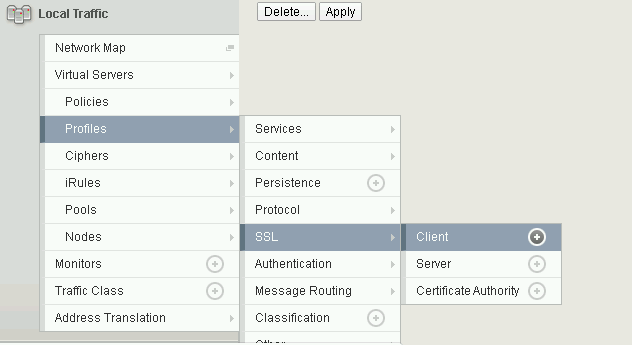
Click Local Traffic >> Profiles >> SSL >> Client
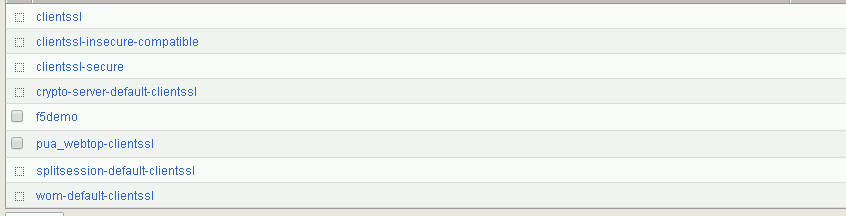
Click pua_webtop-clientssl
During the following steps you will update the Certificate Key Chain
Check the custom box beside Certificate Key Chain
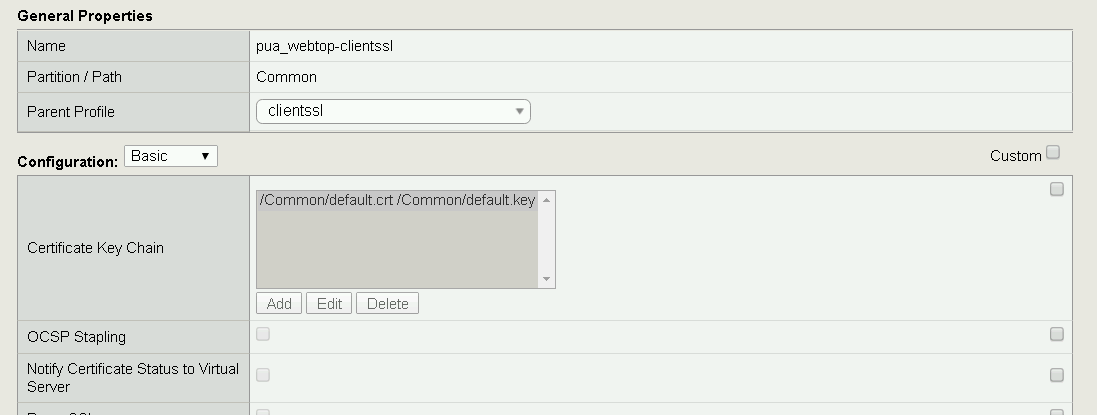
Select the default Key Chain, and click Delete
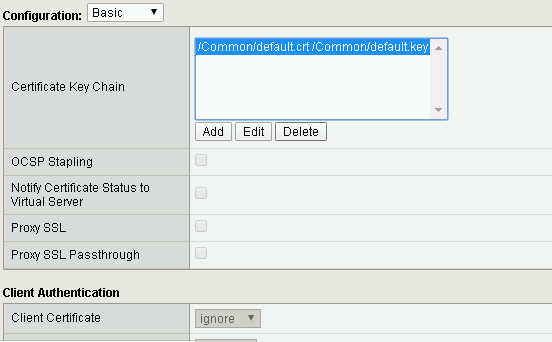
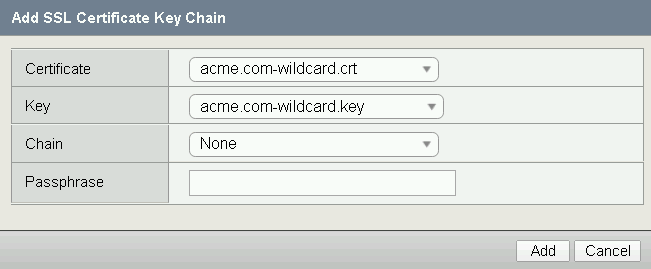
Click Add

Change the Certificate to acme.com-wildcard.crt
Change the Key to acme.com-wildcard.key
Click Add
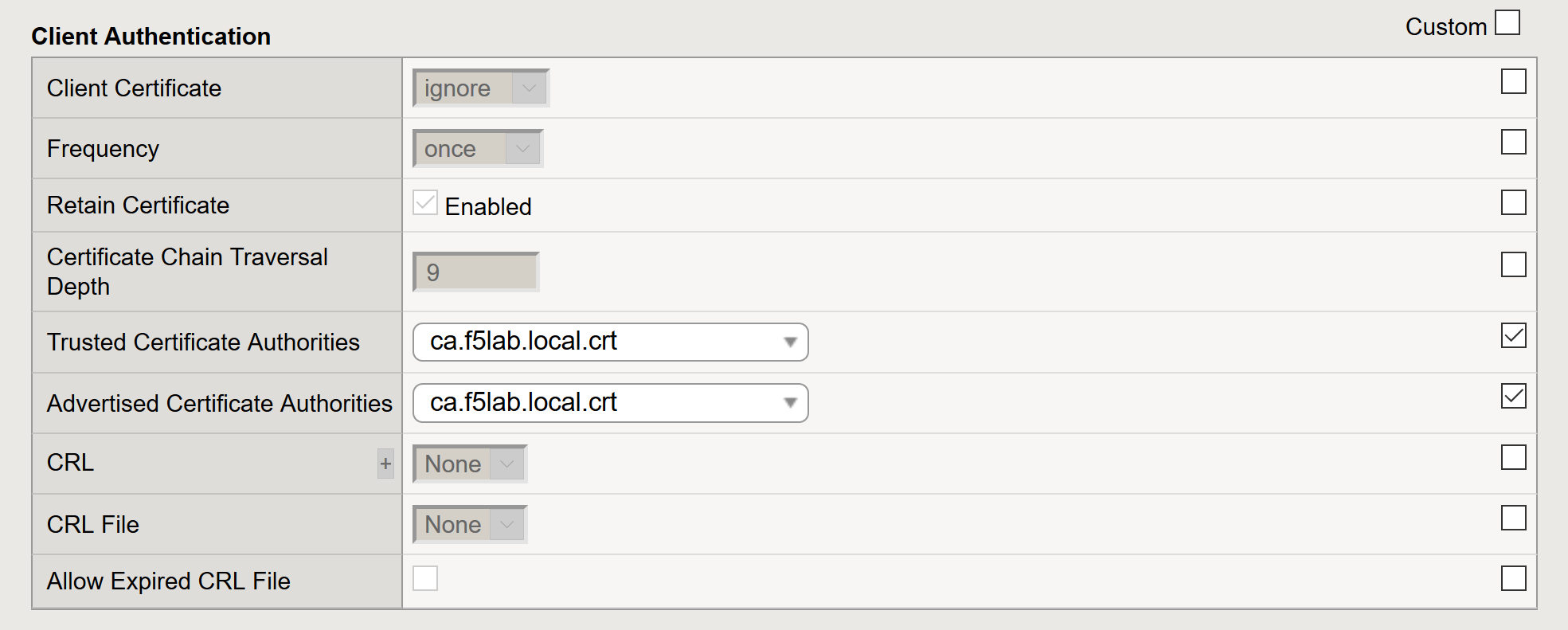
Update the Certificate Autentication section
- Change the Trusted Certificate from ca.pua.lab.cer to ca.f5lab.local.crt
- Change the Advertised Certificate from ca.pua.lab.cer to ca.f5lab.local.crt
Click Update