Access 301: Ephemeral Authentication > Class - Access 301: Ephemeral Authentication > Module 2 - Implement Priviledged User Access Authentication Source |
Lab 2.9 - Adding Devices to the webtop
Task - Adding Device to the PUA Webtop
click Access >> Webtop >> Webtop Links
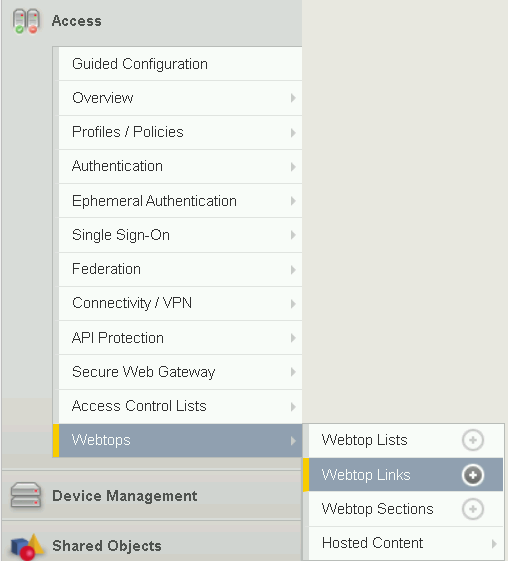
Click Create

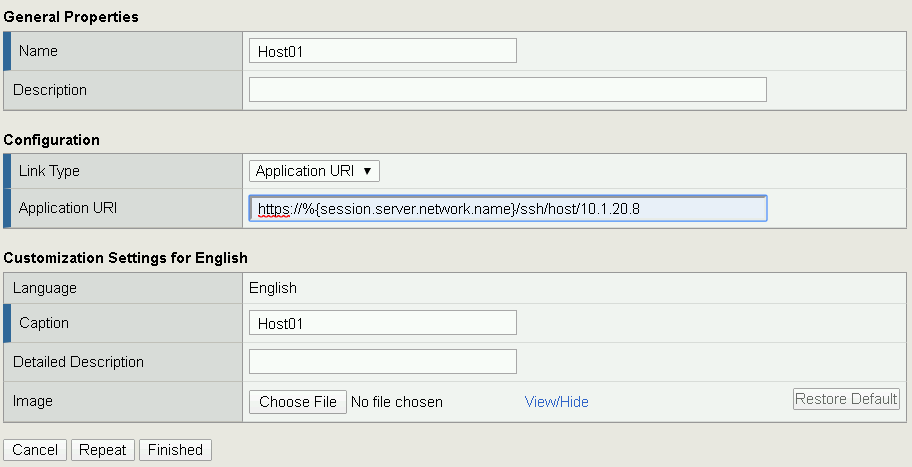
Make the following changes
- Enter Host01 as the Name
- Change the Link Type to Application URI
- Update the Application URI with https://%{session.server.network.name}/ssh/host/10.1.20.8
Click Finish
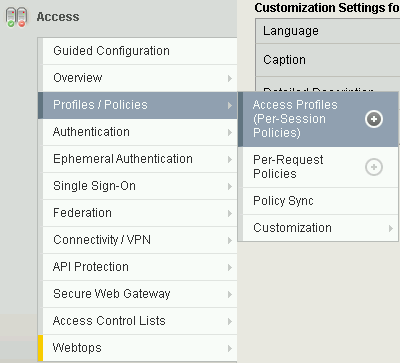
Click Access >> Profiles/Policies >> Access Profiles (Per-Session Polices)
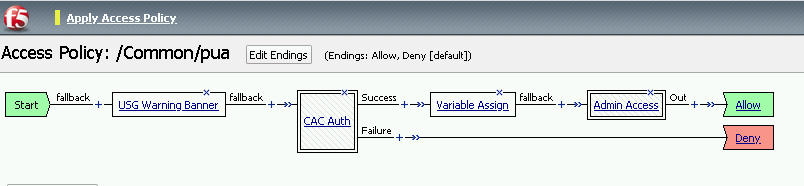
Click the Edit button on the pua row

Click the plus sign beside Macro: Admin Access
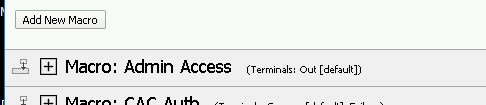
Click Advanced Resource Assign

Click the Add/Delete button
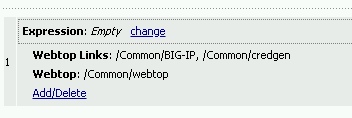
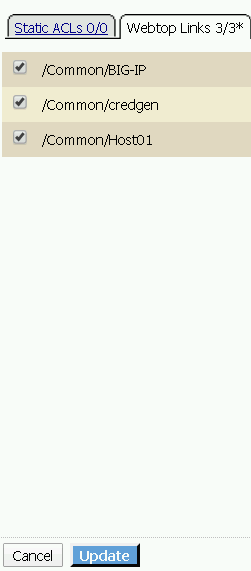
Click the Webtop Links tab, check the /Common/Host1 box, and click Update
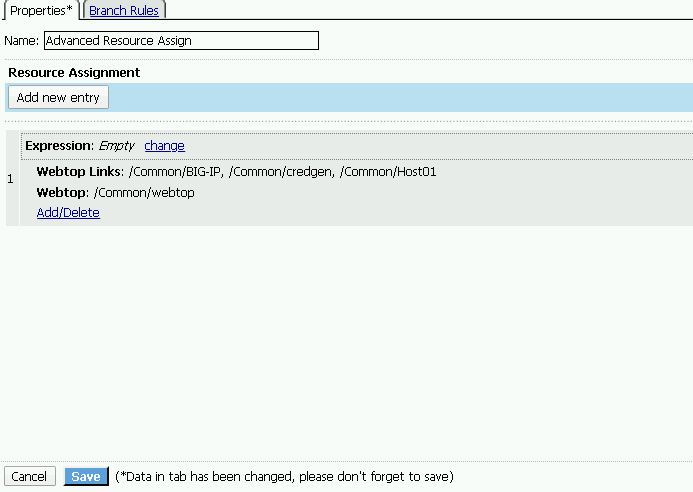
Click Save
Click Apply Access Policy